
Use standard voices or reviewed cloned voices with evidence and admin approval paths.
AI video creation for serious creators
Your story. Your characters. Your final cut.
Create narrated videos or build acted sequences with Narreel Director. Plan the story, review the scenes, and refine visuals, sound and dialogue before you export.
Scene-level editing Credit preflight Publish metadata
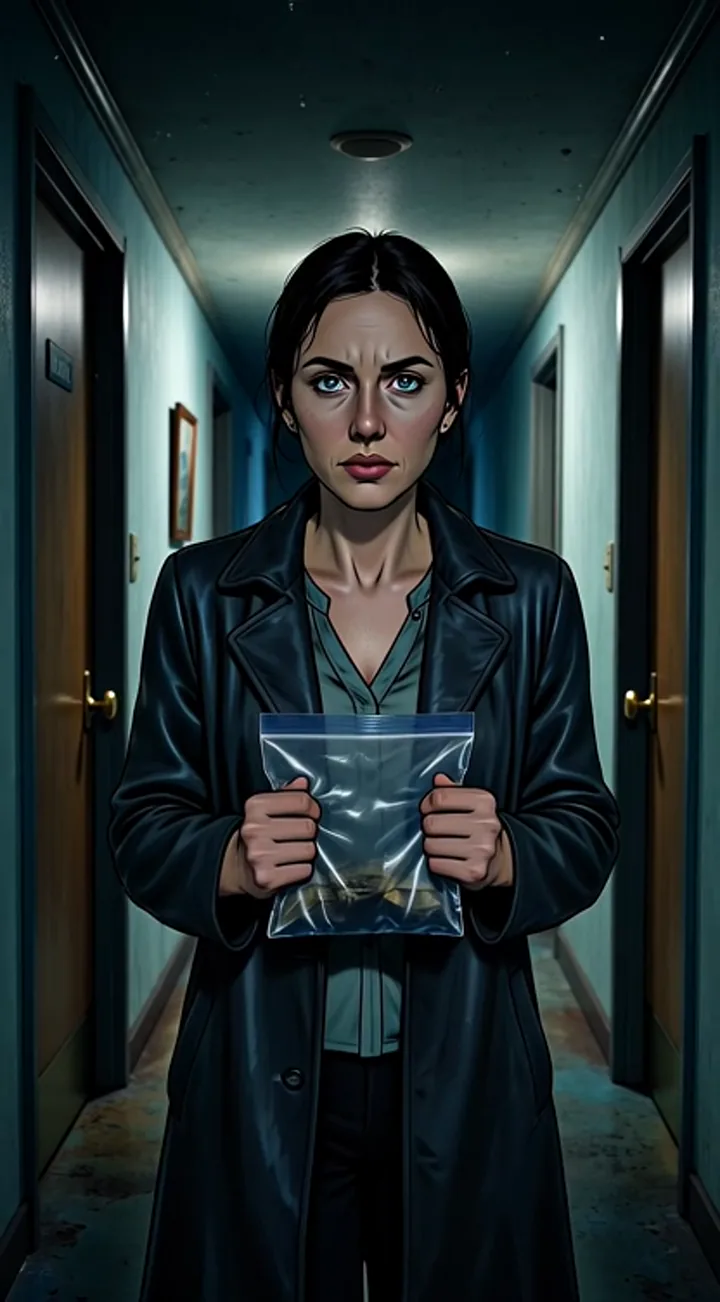
Horror hookCreepy Portrait
Scene samples
Automatic motion off · open a clip to play
One workflow
From source to a video you have reviewed.
Choose the storytelling workflow
Use narration-led creation for voiceover videos, or Director for source-based scenes with characters and dialogue. Generation options depend on your plan.
Edit by scene
Review and refine the scene that needs attention. New images, clips, voices or AI-assisted edits may use additional credits.
Prepare your release
Export your video and prepare thumbnails, titles and descriptions. Review generated text and upload through your chosen publishing workflow.
Beyond the first frame
See what makes a sequence work.
Shape your story with recognizable characters, purposeful sound and control over each scene.
01 / Characters and continuity
Keep every character recognizable from shot to shot.
Give recurring characters a visual identity, review adjacent shots, and preserve the details that make a story feel connected.
- Recognizable characters, wardrobe, and visual cues
- Props, actions, and screen direction that carry through the cut
- Intentional locations and scene changes
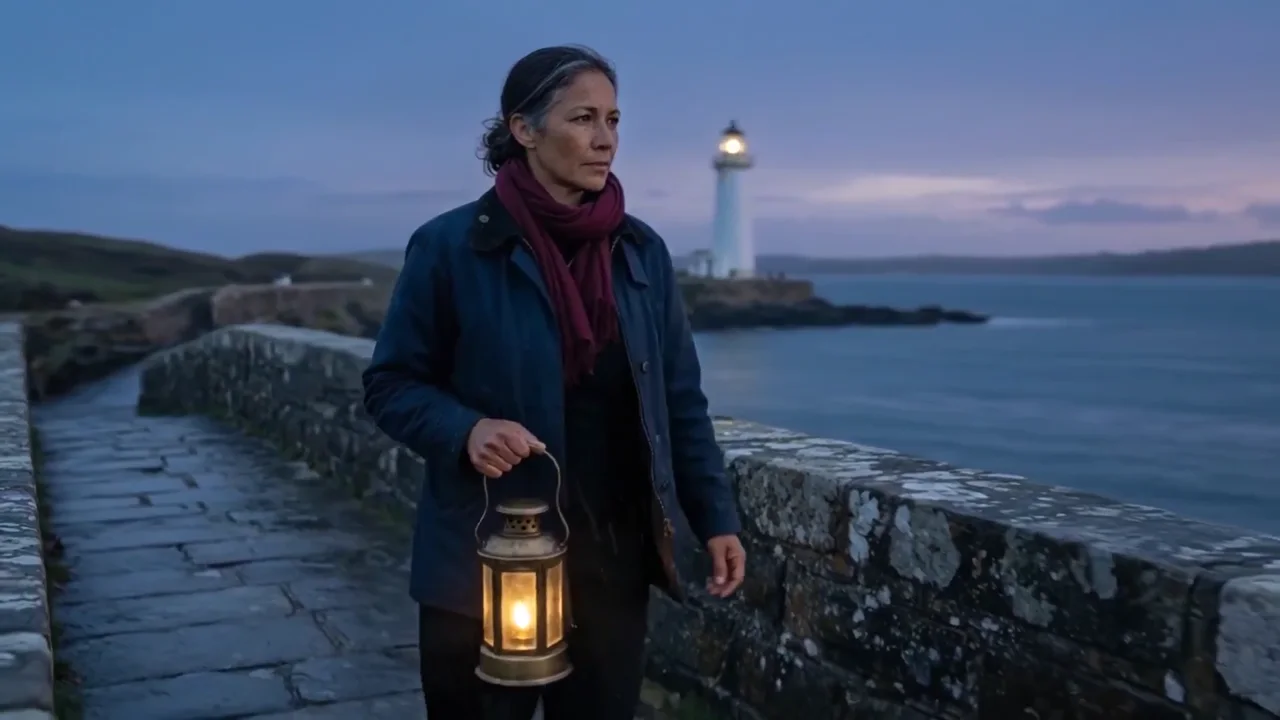 24s · 16:9
02 / Voice, captions and sound
Make every story easy to hear and follow.
Shape the delivery, captions, and soundscape so your message lands clearly from the first line to the final frame.
- A voice that fits the tone of the story
- Captions designed for comfortable viewing
- Scene sound that supports the message
Play audio when you choose. Native scene sound and clip duration vary by the selected provider.
Watch the narration demo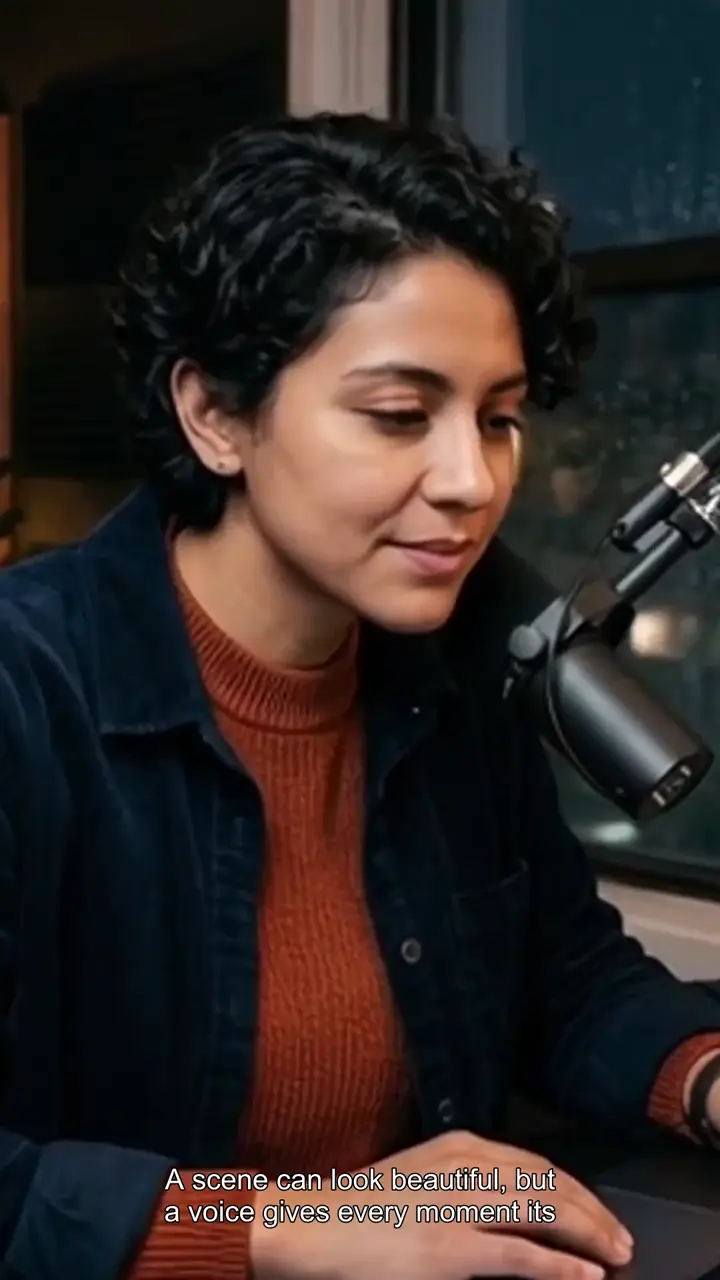 26s · 9:16
03 / Director walkthrough
Turn your story into a polished production workflow.
Bring in your source, shape the story, and review every scene in one guided workspace before you render and publish.
- Source, story, characters, and scenes in one place
- Guided review before you commit to a take
- Publishing-ready metadata and thumbnail direction
Explore the full Director workflow in the guided walkthrough.
Explore the Director walkthrough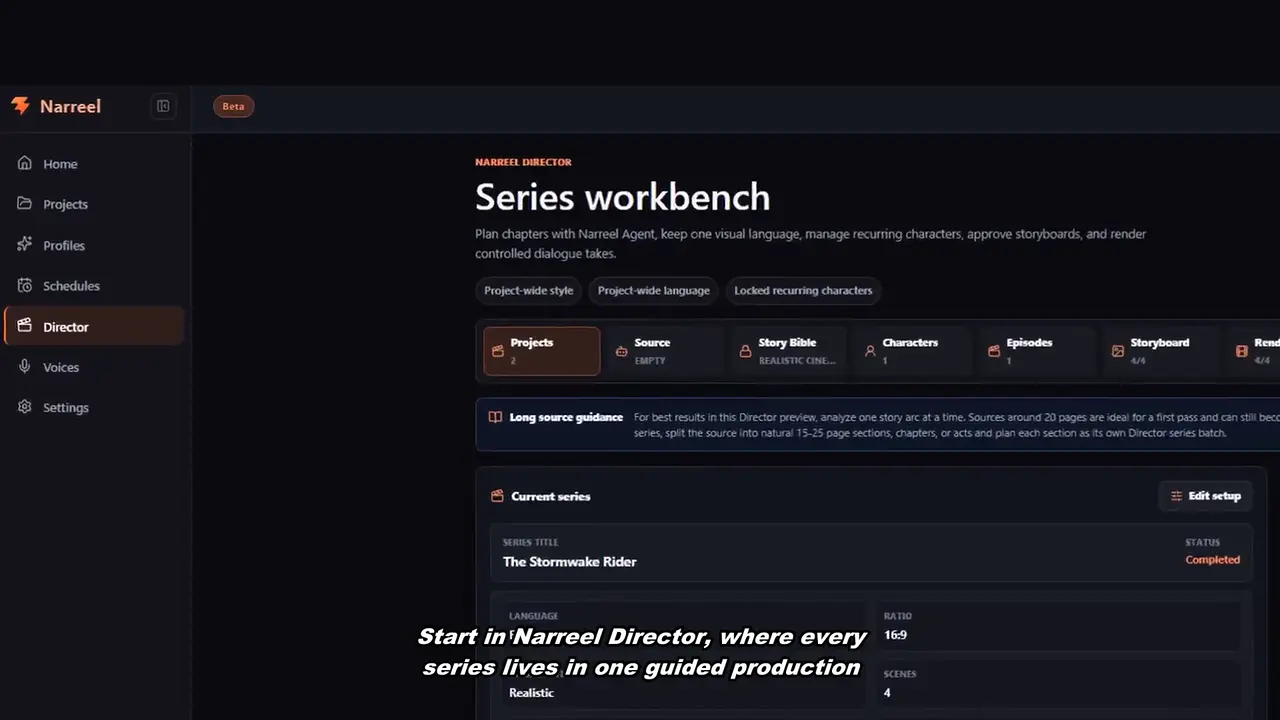 47s · 16:9
Built differently
More than a prompt box.
Save generation settings, route projects to folders, and schedule repeatable production.
Use uploaded product, person, brand, and style references as identity anchors instead of generic inspiration.
Choose your workflow
Start with the story you want to make.
Script to narrated video
Build a voice-led story, educational explainer or faceless video without appearing on camera. Start with the words, then shape the visuals around the narration.
AI series with Director
Adapt a script or story into an acted sequence. Establish the cast and world, approve the storyboard, then render short takes that you can review together.
AI product videos
Combine a focused message, product references and editable scenes to develop ad creatives. Keep the product, claim and call to action under your review.